Understanding the Basics of vpn Technology
In today’s digital landscape, ensuring your online privacy and security is more critical than ever. A vpn (Virtual Private Network) serves as a powerful tool in safeguarding your personal information and providing you with a secure online experience. This article will delve deep into what a vpn is, how it functions, its benefits, and much more, illuminating the essential aspects of this technology.
What is a vpn?
A vpn, or Virtual Private Network, is a technology that creates a secure connection over a less secure network, such as the internet. It operates by routing your internet connection through a server owned by the vpn provider rather than your internet service provider (ISP). Essentially, it allows you to send and receive data while maintaining privacy and security as if you were directly connected to a private network. In addition, using a vpn can mask your IP address, making your online actions more difficult to trace back to you.
How Does a vpn Work?
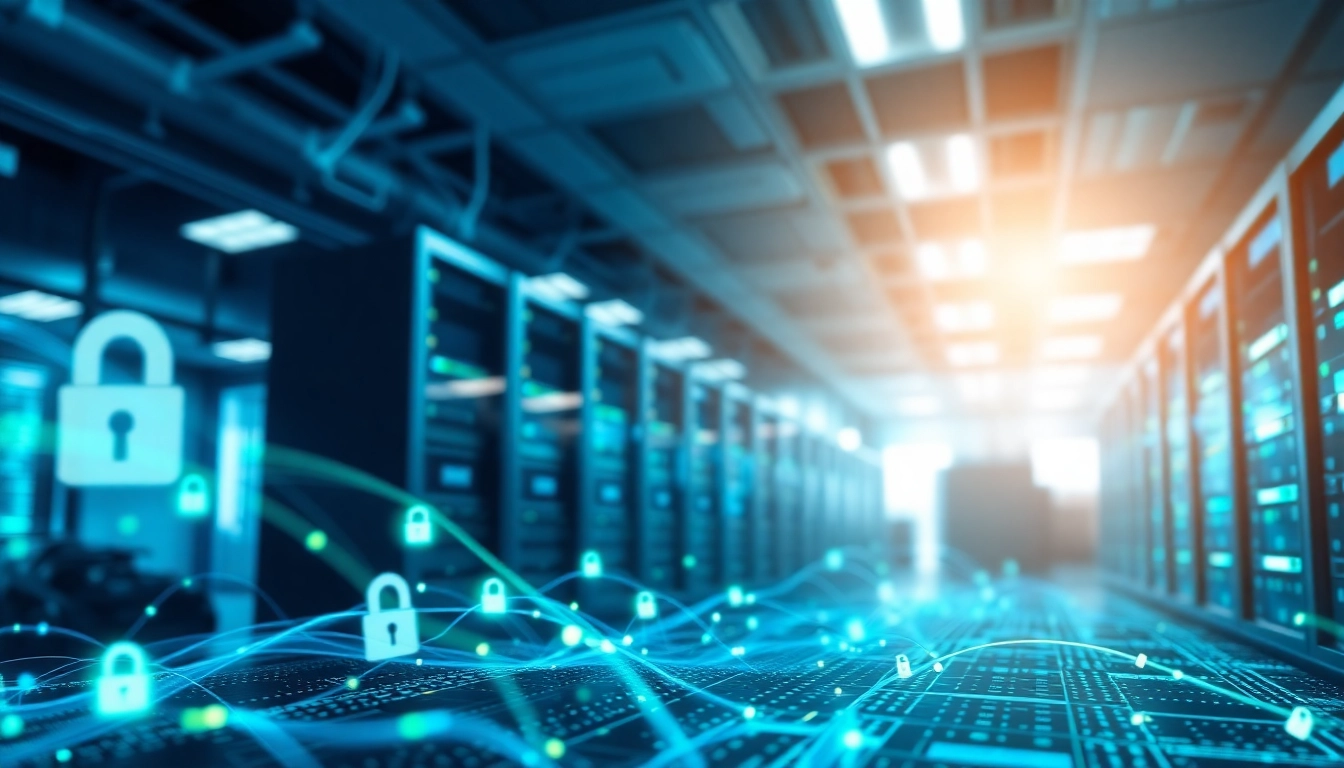
When you connect to the internet through a vpn, your data is sent through an encrypted tunnel. This tunneling process encrypts your data before it even leaves your device. The encryption makes it nearly impossible for hackers or unauthorized parties to decipher the information you share online. Additionally, since your device connects to the internet via the vpn server's IP address, your actual IP address remains hidden, which protects your identity.
The Benefits of Using a vpn
Utilizing a vpn comes with numerous advantages:
- Enhanced Security: A vpn encrypts your internet connection, protecting sensitive information like passwords, bank details, and personal communications from cyber threats.
- Online Privacy: A vpn helps maintain your anonymity online by masking your IP address, ensuring that your browsing activities remain private.
- Access to Restricted Content: With a vpn, you can bypass geographic restrictions and access content that may be unavailable in your region.
- Safe Public Wi-Fi Use: Public networks like those found in cafes or airports expose users to potential cyber attacks. A vpn secures your connection while using public Wi-Fi.
- Improved Performance: By optimizing your connection and potentially reducing bandwidth throttling from your ISP, a vpn can improve your internet speed.
Choosing the Right vpn for Your Needs
With a multitude of options available, selecting the right vpn can be overwhelming. Understanding your unique needs is the key to making an informed decision.
Factors to Consider When Selecting a vpn
When evaluating different vpn services, consider the following factors:
- Security Features: Look for services that provide strong encryption methods, a no-logs policy, double vpn options, and protection against DNS leaks.
- Speed and Performance: Check user reviews or testing sources for speed ratings to ensure that the vpn doesn’t slow down your internet connection significantly.
- Server Locations: A broader range of server locations allows you to access more regional content and enhances connection speeds.
- Device Compatibility: Ensure the vpn service supports all the devices and operating systems you use, such as Windows, macOS, Android, and others.
- Customer Support: Reliable customer support is crucial for troubleshooting and inquiries, so opt for services that offer live chat or 24/7 support.
Types of vpn Services Available
There are primarily three types of vpn services available:
- Remote Access vpn: Ideal for individual users, this type allows you to connect to a private network and access its resources remotely.
- Site-to-Site vpn: Commonly used by businesses, this type connects entire networks to each other over the internet securely.
- Personal vpn: These are typically subscription-based services that individuals use to gain secure access to the internet, often providing a user-friendly interface.
Comparing Free vs. Paid vpn Options
While free vpn services may seem appealing, they often come with limitations that can hinder your online experience:
- Bandwidth Limitations: Free services might impose data caps, restricting how much data you can use in a month.
- Speed Throttling: Free vpn providers may prioritize users or restrict speeds, leading to slower performance.
- Limited Security Features: Many free options lack robust security measures, which can expose users to privacy risks.
- Advertising: Free services may make money through ads, which can interrupt your browsing experience.
In contrast, paid vpn services typically offer enhanced features, greater flexibility, and better privacy protections.
Setting Up and Configuring Your vpn
Once you select a suitable vpn, the next step involves setting it up correctly on your device. This can significantly impact your overall security and usability.
Step-by-Step Installation Guide
- Choose a reliable vpn provider and subscribe to their service.
- Download the vpn application for the operating system or device you plan to use.
- Open the app and log in with your account credentials.
- Select a server location that meets your needs.
- Click “Connect” to establish a secure connection.
Common Configuration Settings Explained
Understanding common configuration settings can enhance your experience:
- Protocol Choices: Depending on your needs, you can select from various protocols like OpenVPN, IKEv2, or L2TP/IPSec.
- Kills Switch: This feature disconnects your internet if the vpn connection drops, preventing data leakage.
- Split Tunneling: Allows you to choose which apps or traffic go through the vpn, optimizing your connectivity.
Troubleshooting Basic vpn Issues
If you encounter problems while using your vpn, consider the following troubleshooting steps:
- Restart the vpn application or your device.
- Switch to another server location to see if the issue persists.
- Check your internet connection and restart your router if necessary.
- Reinstall the vpn application if issues continue.
Best Practices for Using a vpn
To maximize the effectiveness of your vpn, consider these best practices:
Ensuring Maximum Security While Online
To enhance your security when using a vpn:
- Always use the latest version of your vpn software.
- Enable security features such as the kill switch and DNS leak protection.
- Regularly check for updates or patches from your vpn provider.
- Mixed use of a vpn with additional security measures can further improve safety.
Enhancing Speed and Performance with a vpn
To maintain a fast and responsive internet connection when using a vpn:
- Connect to a nearby server to minimize latency.
- Use a wired connection instead of Wi-Fi when possible, as it usually offers better speeds.
- Regularly test your connection speed to identify any changes in performance.
Understanding vpn Logs and Privacy Policies
When selecting a vpn, it's crucial to read the privacy policy:
- Ensure the provider has a strict no-logs policy, meaning they do not store user activity.
- Understand the types of data collected and how they are used or shared.
- Research third-party audits or certifications that may verify the provider's claims.
Frequently Asked Questions About vpn
What is a vpn and why should I use one?
A vpn is a service that creates a secure connection over the Internet, protecting your privacy and allowing access to restricted content.
Is using a vpn legal?
Yes, using a vpn is legal in most countries. However, some regions may have different regulations, so it's essential to verify local laws.
Will a vpn slow down my internet connection?
While a vpn can cause slight speed reductions due to encryption, a reliable service should maintain satisfactory performance.
Can I use a vpn on multiple devices?
Most vpn services allow multiple simultaneous connections. Check with your provider for specific limits on devices.
What happens to my data if the vpn connection drops?
If a vpn connection drops, your data could be exposed unless your provider offers a kill switch, which automatically disconnects you from the internet in that case.